
Turn Blender scenes into product configurators
your clients can publish.
Set the options and rules in the CMS, then paste one iframe. Shoppers switch between the renders you prepared. They can't freely rotate the model.
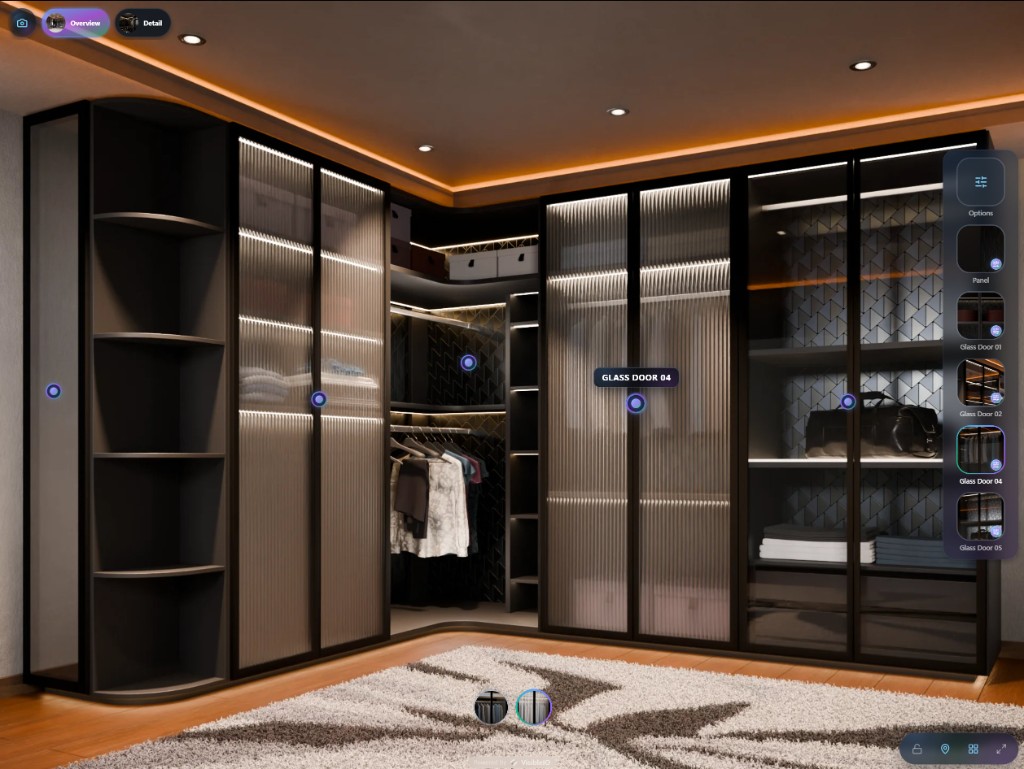
Embed where your customers are





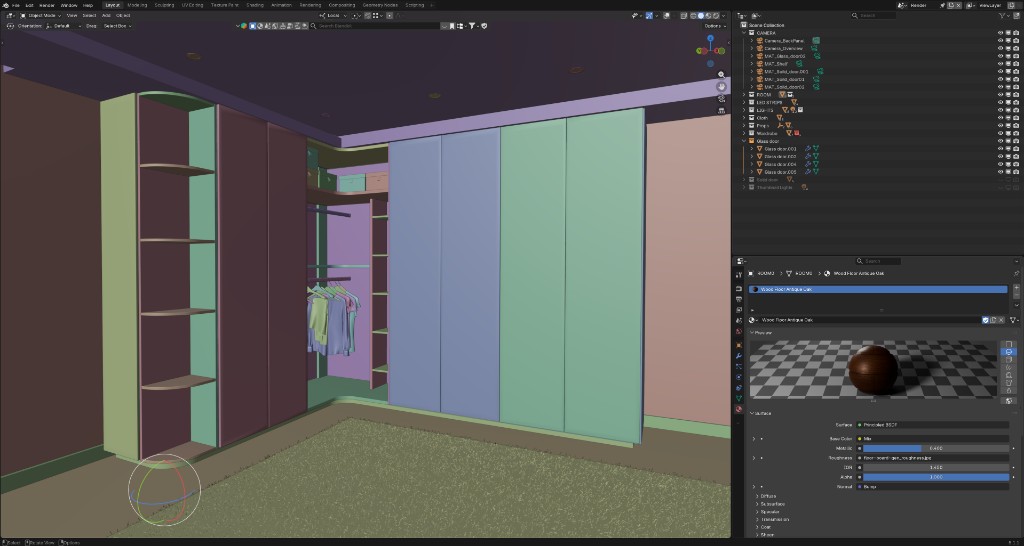
It starts in your Blender scene
You've built the model, refined the materials, and lit the scene in Blender. Now take it beyond still images.
 yourclient.myshopify.com/products/walk-in-wardrobe
Walk-in Wardrobe
Glass Door 04 · Smoked Bronze
Built in Blender. Explore in your browser.
Explore configurators built with VisibleIO and try the product options.


Your side business
One artist, many brands
Brand owners invite you into their own VisibleIO workspace, one project per product. You bring the Blender skills. They pay for the plan that hosts it.
On staff? Suggest it to your company. They own the workspace and pay the plan.

Mei Chan
3D artist · Freelance
Watch
Halden Watches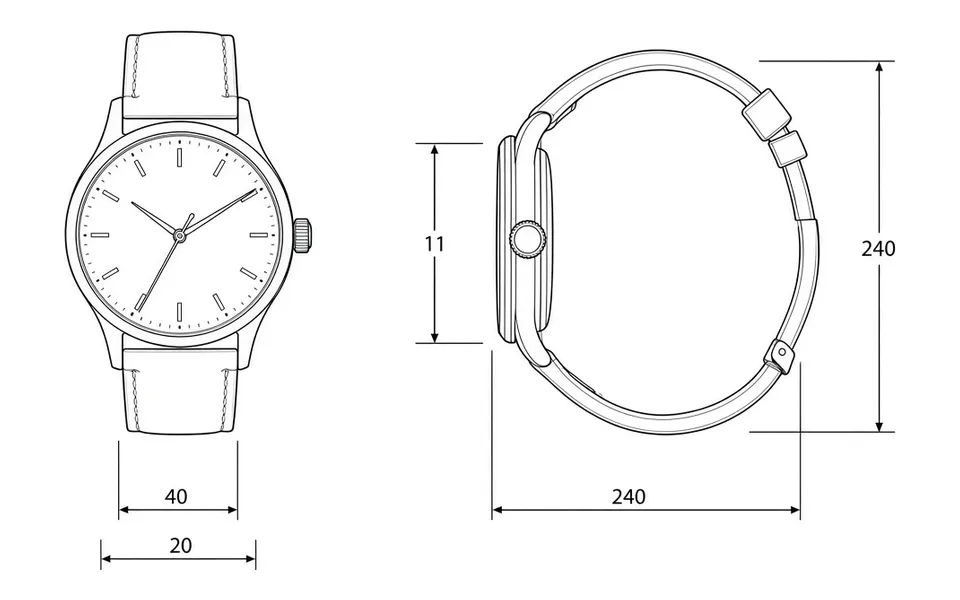
 On your profile
Sneaker
Stride Lab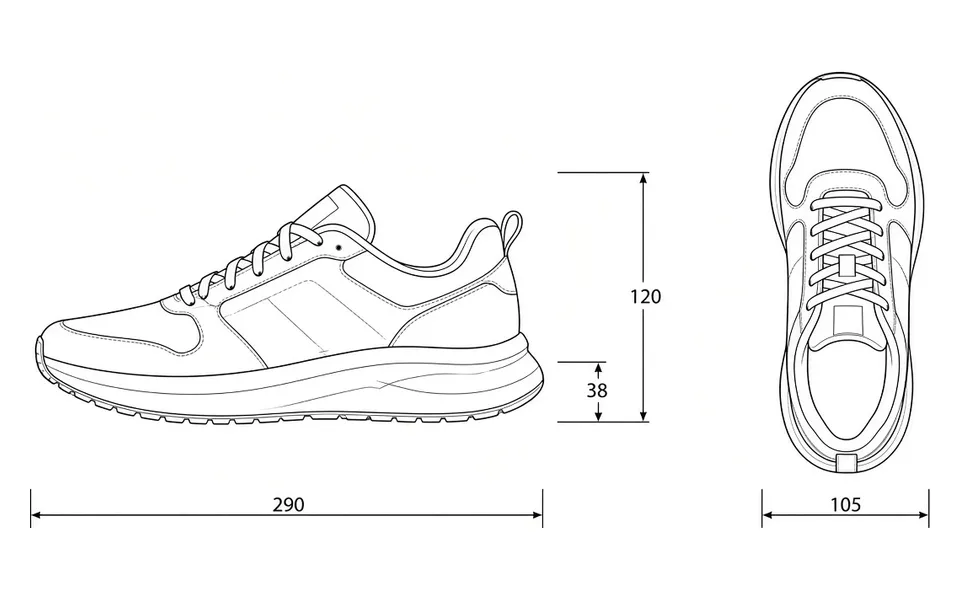
 On your profile
Sofa
Oak & Co.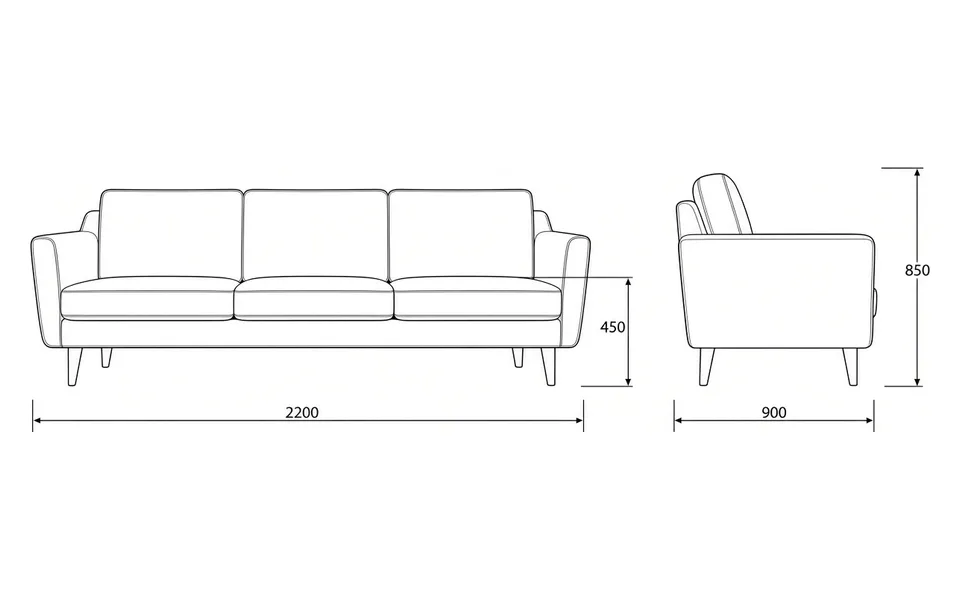
 On your profile
Car
Vanta Motors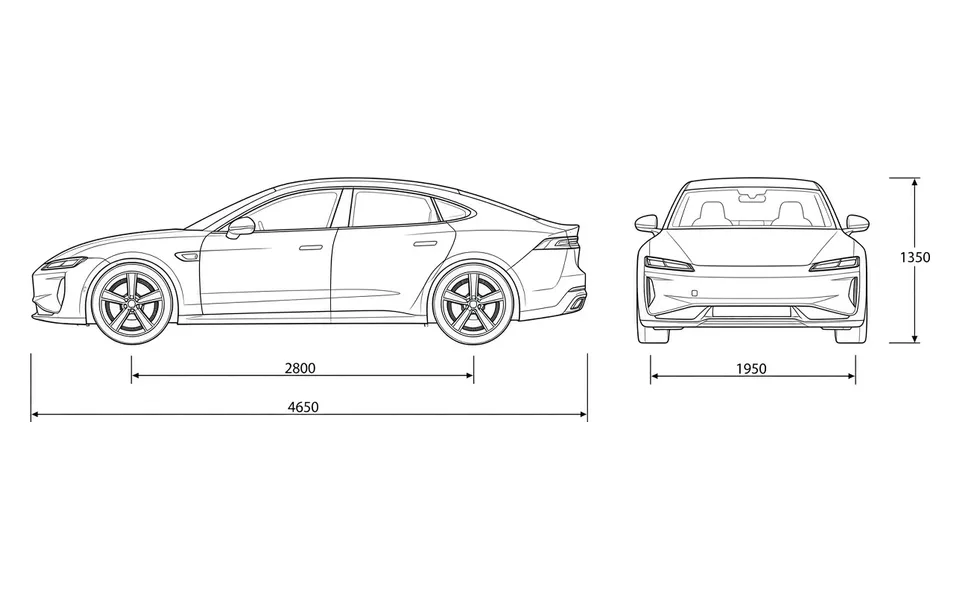
 On your profile
Example brands, images, and fees. You agree your fee with each client. Brands need Creator, Business, or Enterprise to invite you.
Answers before you start
What is VisibleIO?
VisibleIO is a no-code platform for creating product configurators from Blender scenes. It includes a Blender add-on, a cloud CMS, and a browser Viewer for sharing and embedding pre-rendered configurations.
How is it different from a real-time 3D configurator?
VisibleIO displays renders from your Blender scene instead of rendering a 3D model in the browser. Visitors switch between product options and selected camera views; they can't freely rotate the model.
Does VisibleIO generate product images with AI?
No. Product visuals are rendered from your Blender scene, not generated from prompts. We do not use customer Blender scenes or commercial project assets to train public generative AI models.
What do I need to publish a configurator?
Blender 4.2.0 or newer, the VisibleIO add-on, and a VisibleIO CMS project. Set up the objects, materials, and rules, generate your renders, then publish a Viewer link or website embed.
How do client projects and billing work?
You charge your client for the creative work. The client owns the VisibleIO workspace and subscription, and its plan covers project usage. To invite you, they need a plan that supports collaboration: Creator, Business, or Enterprise.
Can I showcase client projects?
Yes, with your client's permission. Client projects remain in their workspace; your own Free or Hobby account can be used for your portfolio and artist profile.
Where can I embed a configurator?
Paste one iframe on pages that accept embeds, including Shopify theme pages, WordPress, and custom websites. Free embeds include a VisibleIO watermark; paid plans can remove it. For Shopify product-page, cart, and order integration, use the VisibleIO Configurator app.
Your stage is ready
Start with a Blender scene. Set up your options and publish a configurator for your clients.