From Blender to Browser in Under an Hour
How VisibleIO collapses the traditional WebGL pipeline into a render-and-sync workflow artists already understand.
 VisibleIO Team1 min read
Updated Oct 13, 2026

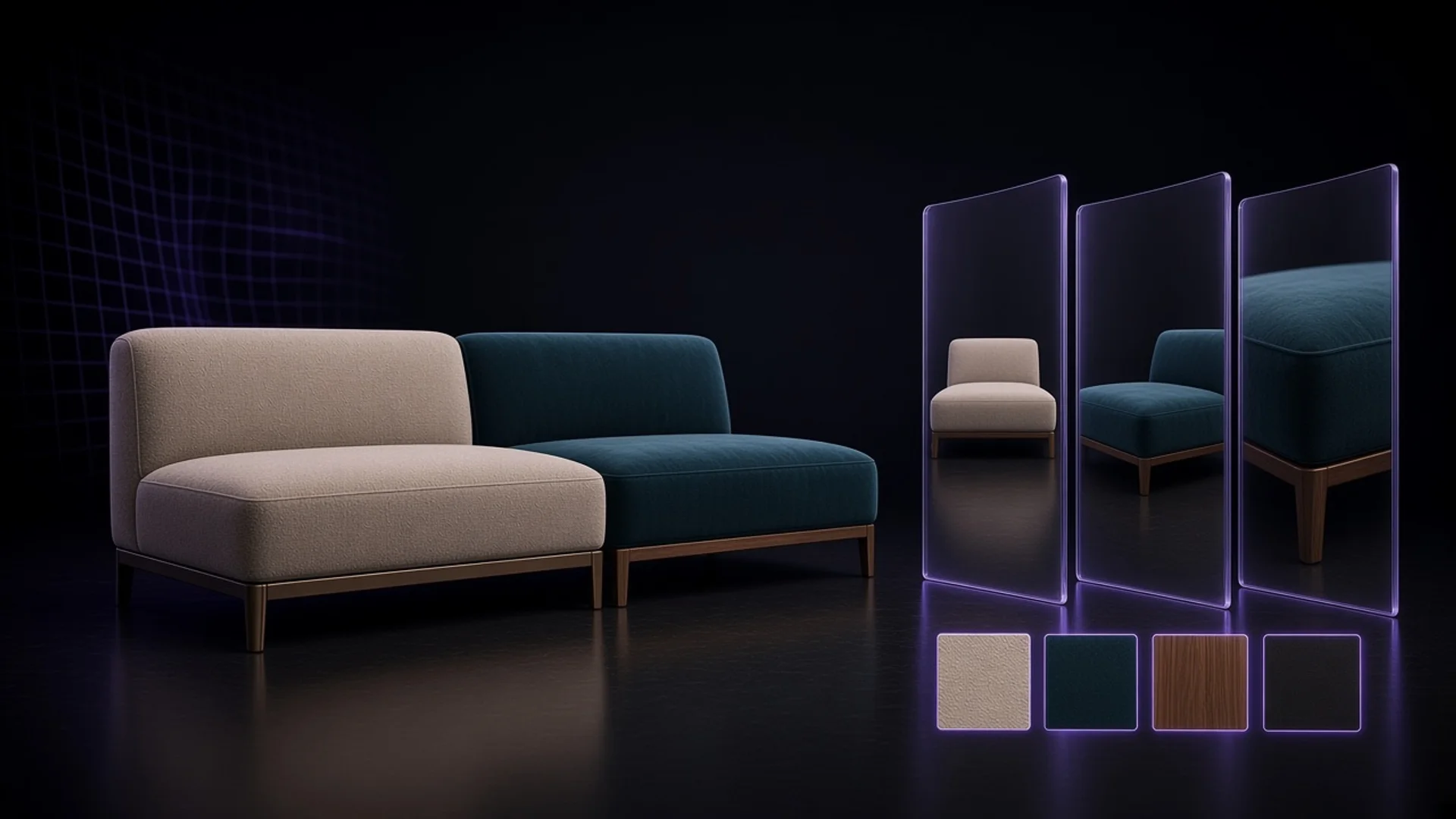
Most brands still treat 3D on the web as a custom engineering project: export a GLB, rebuild materials in a real-time engine, then ask a frontend team to wire cameras and SKU logic. VisibleIO flips that assumption. Keep your Blender scene as the source of truth, then publish interactive product configuration without rewriting shaders or shipping multi-hundred-megabyte downloads.
The pipeline artists already know
VisibleIO is a Blender-to-web product: a Blender add-on, a cloud CMS, and a browser Viewer. The add-on syncs objects, materials, cameras, and variant logic into the CMS. Artists stay in Blender. Merchandising and web teams compose the experience in the browser—then share a link or embed an iframe on Shopify, WordPress, or any site.
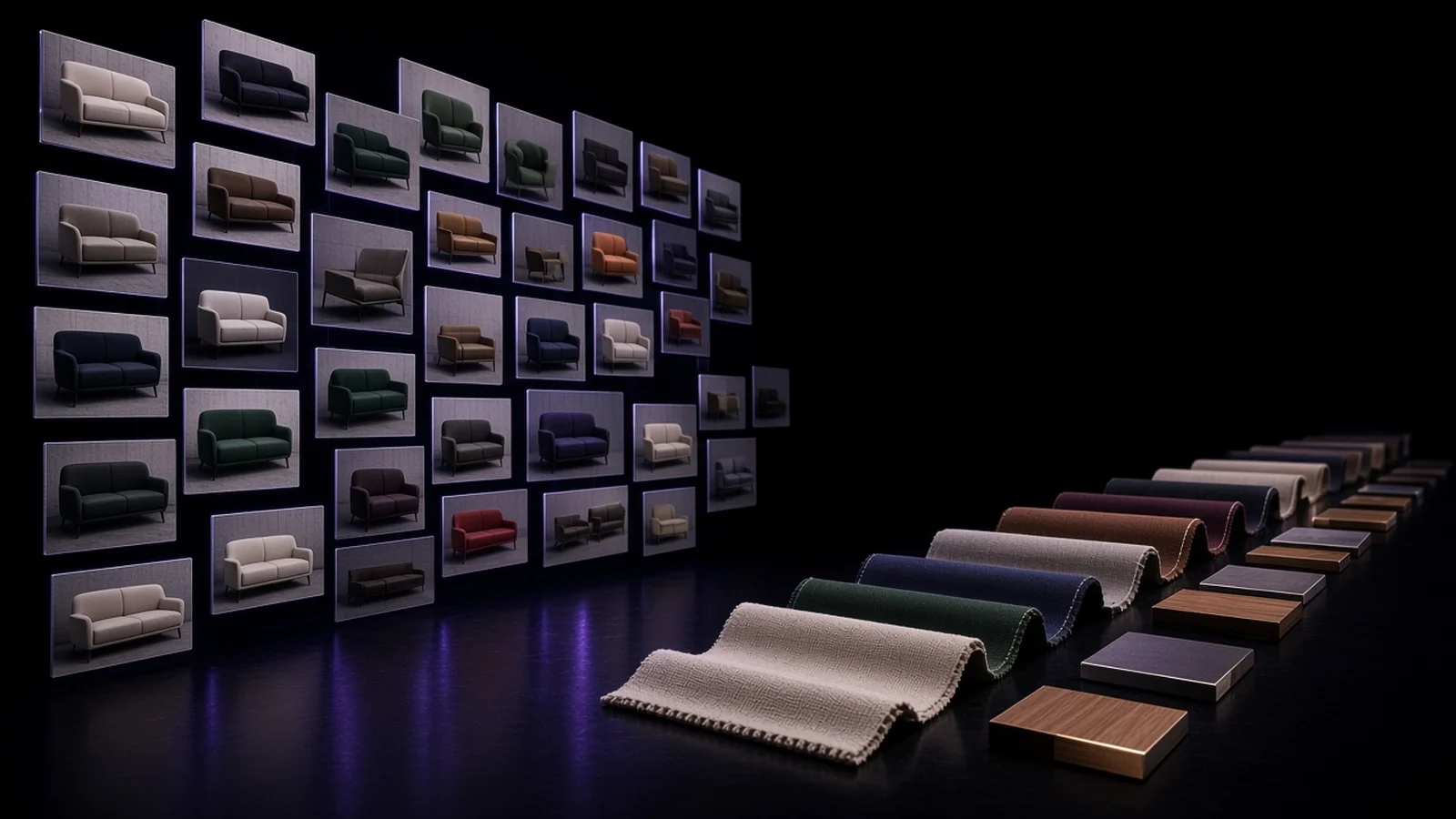
The three steps are connect and configure, render, then publish. You map which meshes belong to a view component (for example exterior car paint), assign allowed materials, generate the renders you need, and launch the Viewer. The public marketing site demonstrates this with a live Viewer on the homepage and the published projects in the artist gallery.
What this is not
VisibleIO is not a generic WebGL scene streamer, and it is not a generative-AI image tool. We do not hallucinate product looks from a prompt. The pixels come from your scene. We also do not use customer Blender files or commercial project assets to train public generative AI models.
If you need photoreal fidelity and real product logic in the same experience, start from the Blender plugin and CMS rather than a custom Three.js rebuild. Documentation covers installation (Blender 4.2.0 or newer), material schemes, visibility rules, and iframe embed.