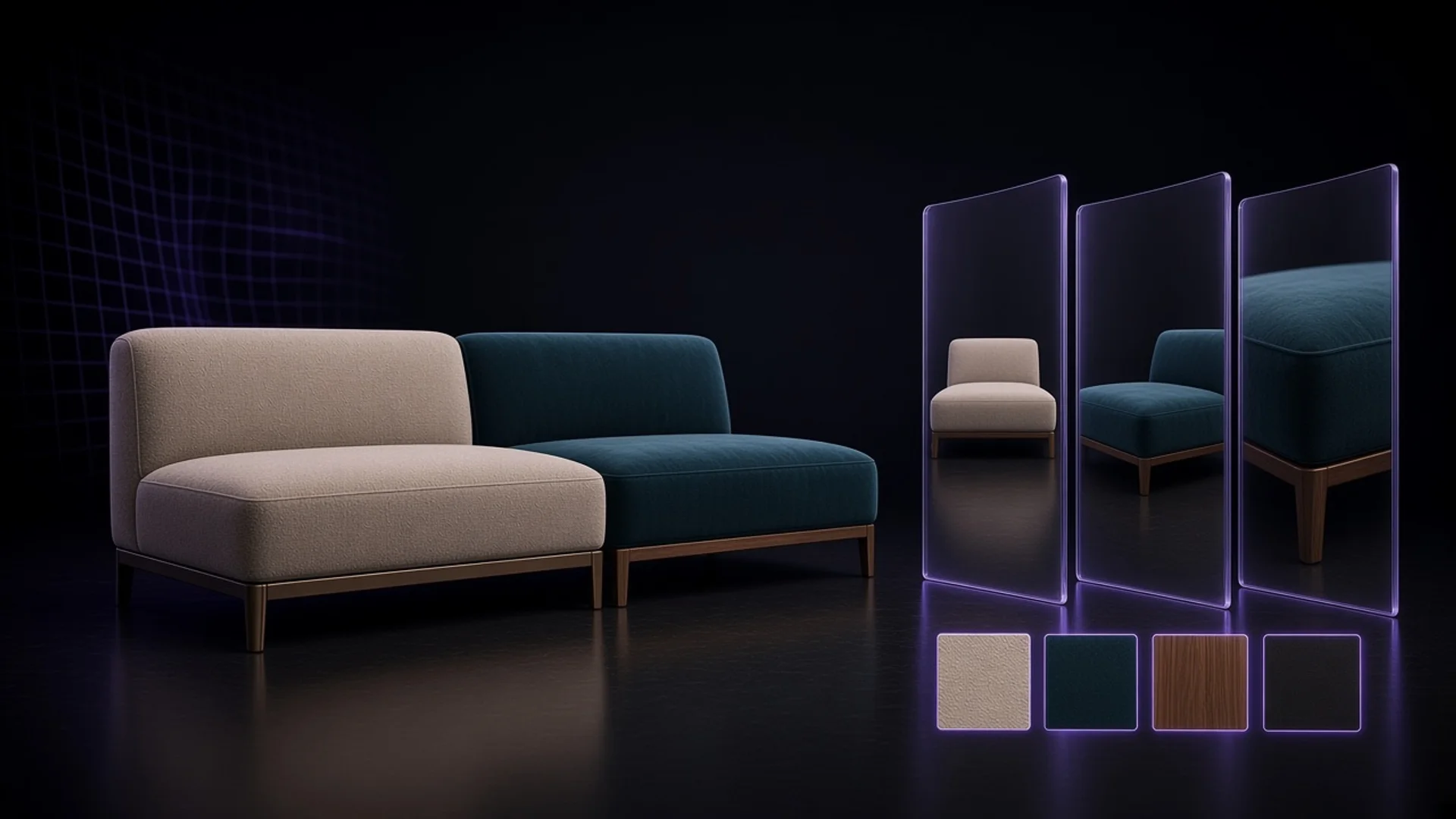
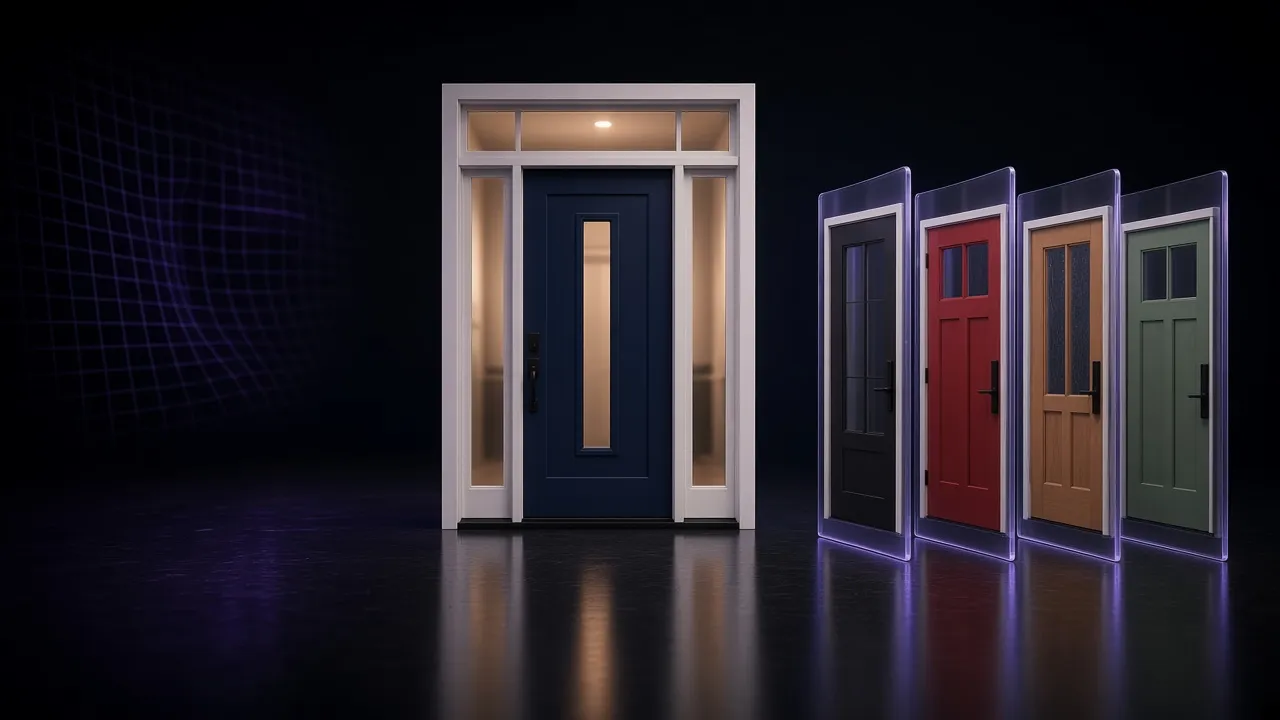
You Can Offer 2,048 Variants. Shopify Still Caps You at 250 Images.
Shopify raised variants to 2,048 while product media stays at 250. VisibleIO helps on your product page: shoppers change options and see pre-rendered images of the combination they picked, alongside your studio photography and 3D renders.
 VisibleIO Team3 min read
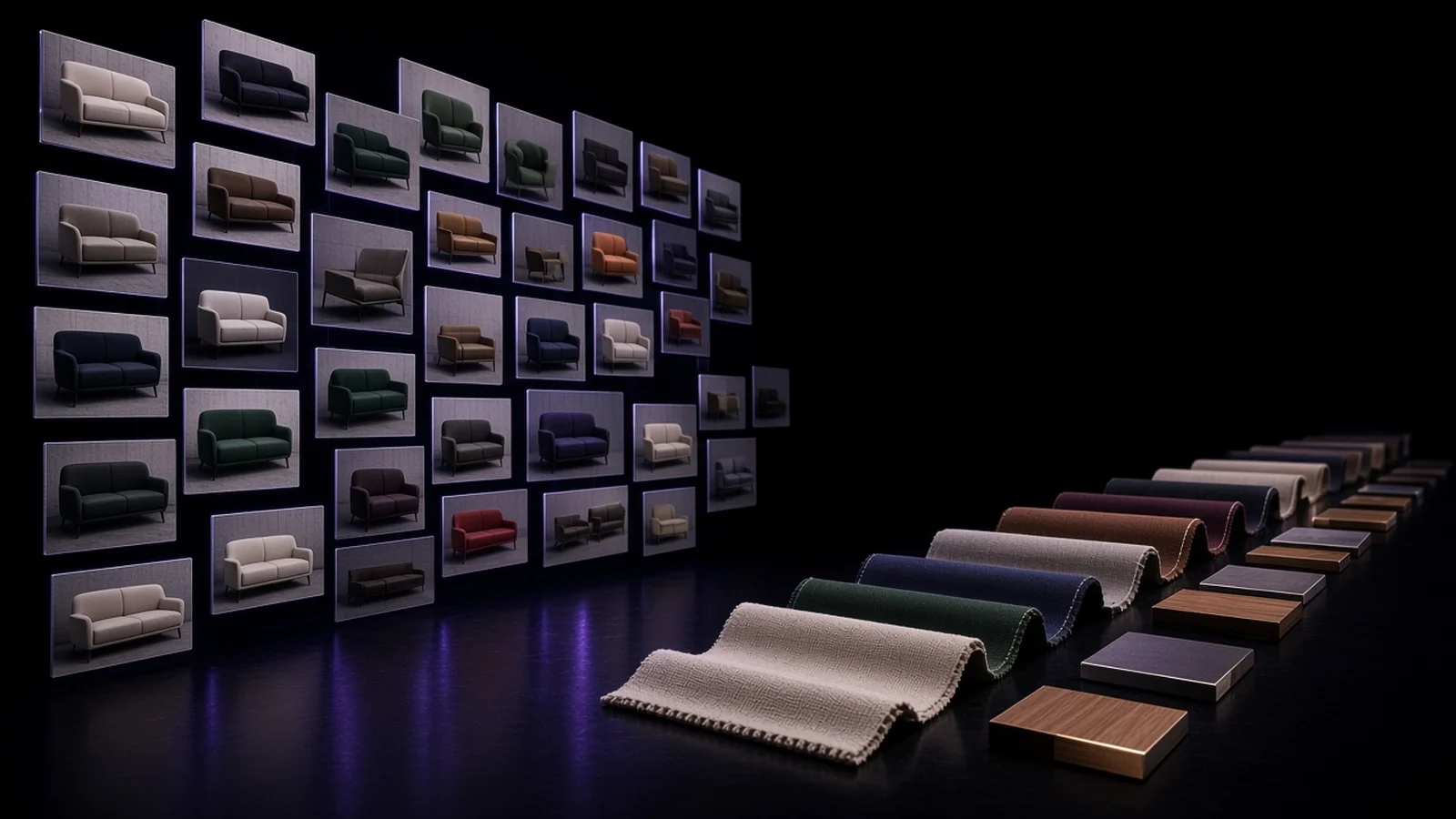
You can put hundreds of fabric and finish options on a Shopify product now. A shopper still lands on a page that mostly shows one hero look.
If Shopify lets you offer up to 2,048 variants, how do you show the combination they just picked when product media still tops out at 250?
You do not need to load every combination into the native gallery. Keep the studio photos and 3D renders that carry your brand. Then add a product-page layer that updates a pre-rendered image when someone changes an option, so they see the real finish and how it sits with the rest of the piece.
What Shopify changed for your catalog
Shopify now lets a single product carry up to 2,048 variants. That change was announced on October 15, 2025. (source: https://www.shopify.com/blog/2048-variants)
Shopify product media is still capped at 250 images, videos, and 3D models combined per product. Shopify's Help Center says that limit cannot be raised. (source: https://help.shopify.com/en/manual/products/product-media/add-media)
Your option list can grow. Your native media slots cannot. That gap shows up fast on furniture and other configurable goods.
Where your gallery runs out
Take a modular sofa you already sell. Eight fabrics. Four leg finishes. Three widths. That is already 96 combinations before cushions, arms, or a chaise.
This is illustrative math, not a measured catalog from one store. It is the ordinary count brand teams run when color, fabric, and size multiply. Long before you approach 2,048 variants, you are already past what 250 media items can cover.
Most brands cover looks with studio photography and with 3D renders. Both can look strong. Both fill media slots quickly if you try to file every combination as its own gallery asset. Merchants have already asked about this mismatch in public forums. The ask is simple: more options on the product, and a way for shoppers to see the version they picked.
Your gallery still matters. It holds the shots that sell the piece: lighting, materials, scale, the product in a room. Keep that work.
What shoppers need next is different. When they pick warm oak with black legs, or the wider seat, or the fabric they almost skipped, the product page should show that combination. Not a swatch label and a guess.
How VisibleIO helps on your product page
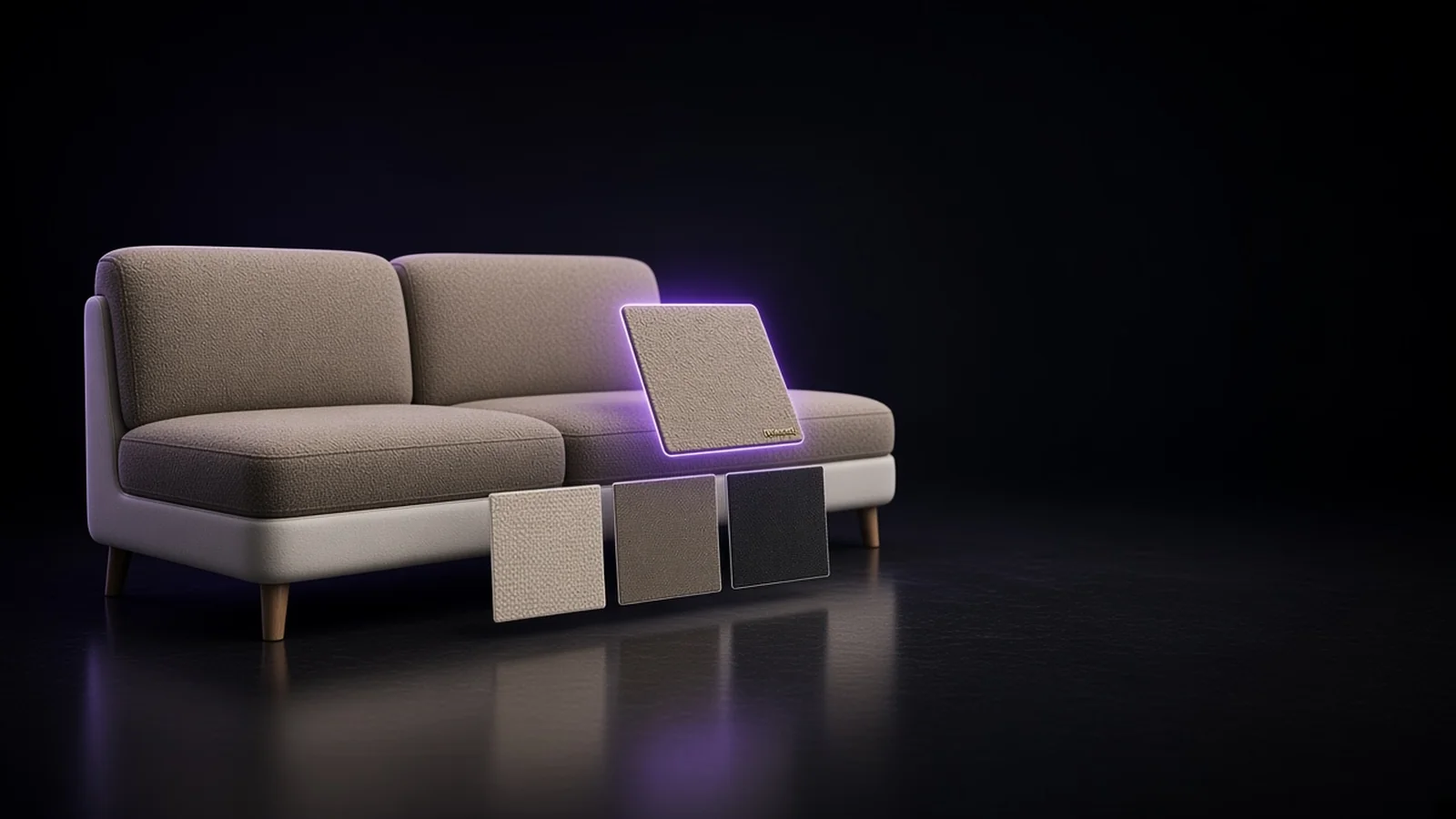
VisibleIO helps you put an interactive product poster on the product page. Shoppers change options and see pre-rendered images for those configurations as they go.
That is useful when you have more combinations than 250 media files can hold. It is also useful when you want someone to see the real look of the product and how materials and parts sit together, without asking them to invent it from a tiny swatch.
Those pre-rendered images sit alongside your studio photography and your 3D renders. They do not replace them.
VisibleIO does not raise Shopify's 250 media limit. It does not change checkout or line-item images either. The help is on the product page: show the combination they chose.
Let them see the one they picked
If you already offer a thoughtful range of fabrics and finishes, the next step is not always more SKUs. It is letting someone see the version in front of them before they buy.
Explore the interactive demo: https://visibleio.com/for-brands
Your best combination might already be in the catalog. The question is whether your product page can show it when someone finally picks it.