VisibleIO Is Now on the Shopify App Store: What Changes for Brand Owners
You could always paste a VisibleIO iframe into a Shopify page. The app goes further: the configurator sits on the product page, and the shopper's exact choice travels into the cart and the order. Here is the difference.
 VisibleIO Team3 min read
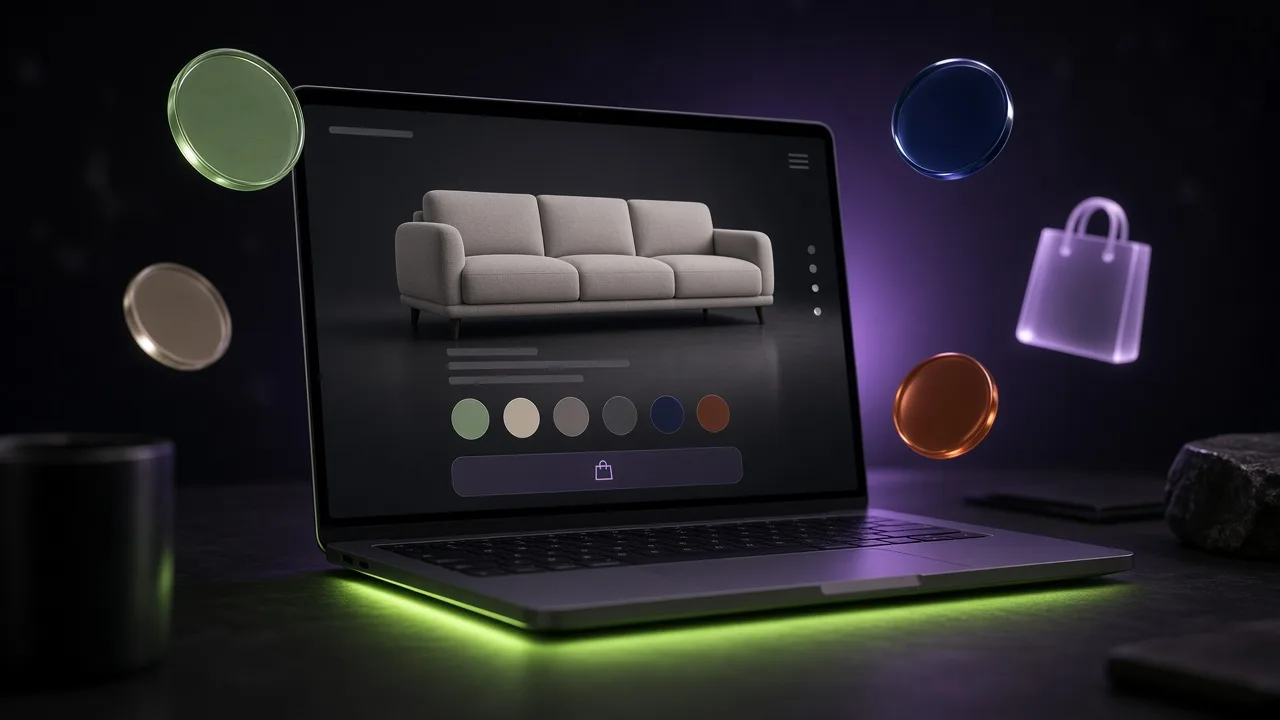
You could always put VisibleIO on a Shopify page by pasting one iframe. The VisibleIO Configurator app goes further: the configurator sits on the product page, and the shopper's choice is saved with the order.
This post is for brand owners deciding between the two. Both are valid. They solve different problems.
Without the app: one iframe
Every VisibleIO plan, including Free, lets you publish a scene and paste one iframe into any page that accepts embeds: a Shopify theme page, WordPress, Wix, Squarespace, or a custom site. Shoppers switch finishes and camera views right there.
That is a good fit for a lookbook, a landing page, or a first test with real visitors. But on Shopify, the iframe is a window, not part of the store. It doesn't know about your product, your cart, or your orders. If a shopper picks "Glass Door 04 · Smoked Bronze", that choice stays in the Viewer. Someone still has to match it to a variant, or ask the customer again after checkout.
Free embeds also show a VisibleIO watermark. Paid plans can remove it.
With the app: the configuration is on every order
The app connects a published scene to a new or existing Shopify product. From there:
- The Viewer sits on the product page, where shoppers already make the decision.
- Selected options, and their option prices, are carried into the cart.
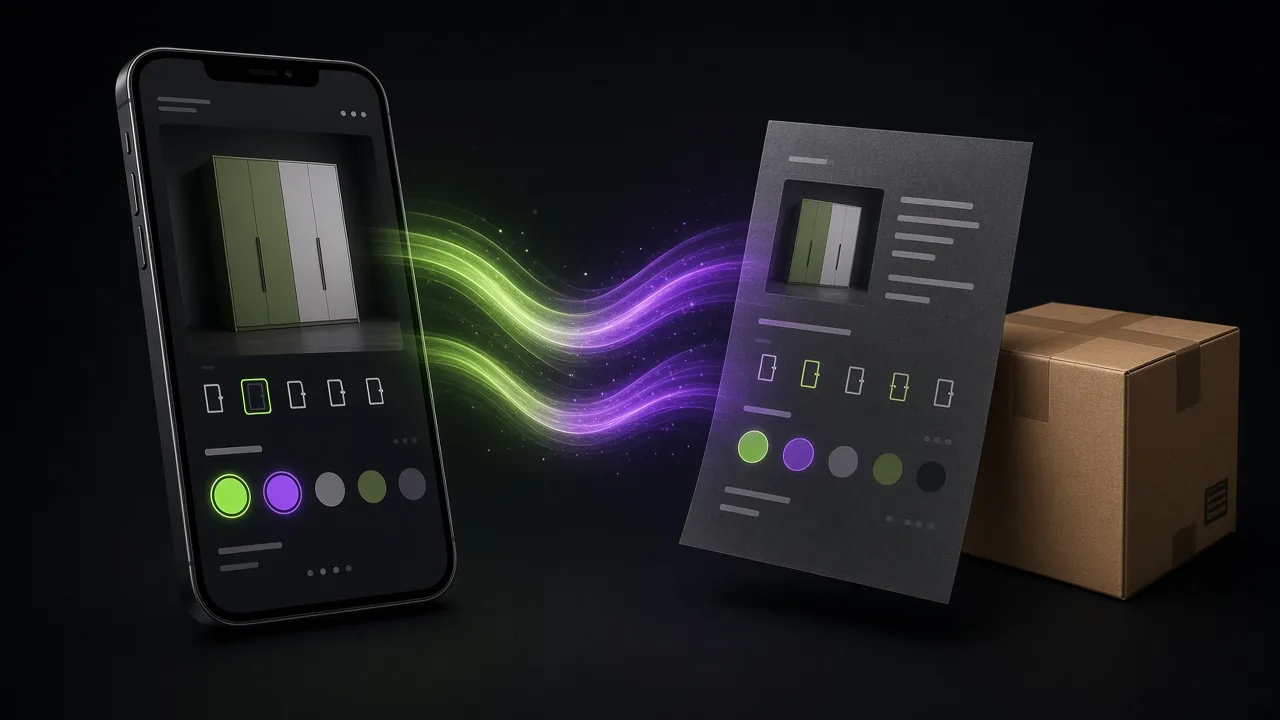
- The full configuration appears at checkout and in the order details, so the team that builds or ships the product sees exactly what was chosen.
- Camera renders from your scene can be used as product photos.
- The storefront has no VisibleIO watermark.
Side by side
| Iframe embed | Shopify app | |
|---|---|---|
| Where it shows | Any page that accepts an iframe | Shopify product pages |
| The shopper's choice | Stays in the Viewer | Saved in the cart, at checkout, and in the order |
| Option prices | Not connected to the cart | Added in the cart |
| Product photos | Not included | Camera renders can be used as product photos |
| Watermark | On Free; removable on paid plans | None on the storefront |
| Billing | Your VisibleIO plan, from USD 0 | Billed by Shopify, from USD 39 per month per store |
What the app costs
The app is a separate bill from your VisibleIO workspace plan, and Shopify bills it: USD 39, USD 58, USD 118, or USD 538 per month per store (Store, Lite, Plus, or Pro), with a 14-day trial on a store's first subscription. USD 39 connects the store and does not raise limits.
One store uses the app plan you choose. Every other store is USD 39. A VisibleIO workspace plan, if you have one, is a separate bill. The pricing page has the full breakdown.
Which one should you choose?
- Start with the iframe if you want to test a configurator with real visitors, or you sell outside Shopify.
- Install the app when shoppers buy the configured product on Shopify and the order has to say exactly what they chose.
Many brands will use both: an iframe on a campaign page, and the app on the product page.
What you need to start
A VisibleIO account and a published scene. If you already work with a 3D artist, invite them into your workspace: they build in Blender, and you own the project. No artist yet? Talk to us and we can introduce one from our network.