Batch re-render and filters
After a batch finishes, you often only need to fix a few combinations — one camera and one style, for example. Filter Rendering task set, check those rows, then Re-render. Finished rows you did not check stay as they are.
-
1Add filter conditions
Above Rendering task set, add filters — Camera, View Component, or status — to shrink the list. Filter first, then select.

-
2Turn on selection mode
Click Enable selection mode, then check the tasks to re-run. Use Show non-completed only to find failed or Pending rows. Unchecked finished rows stay as they are.
-
3Re-render
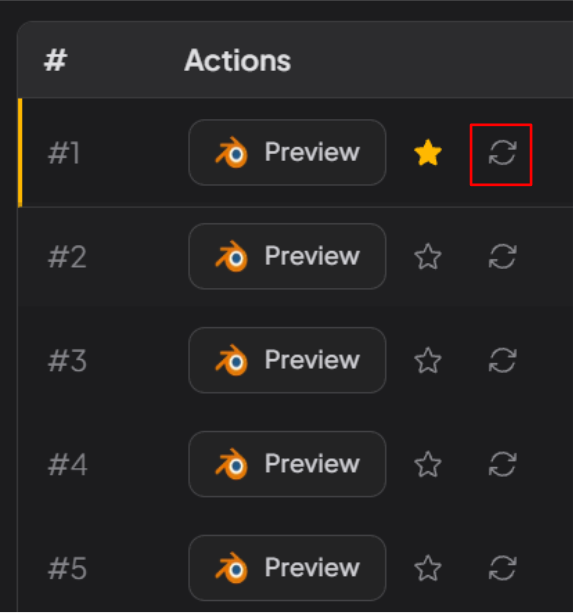
When the selection looks right, click Re-render in Actions. Only the checked tasks run again. You do not need Load Rendering Tasks.